Introducing Indeed Scraper: Your Ultimate Job Data Extraction Tool
One click to scrape jobs from Indeed.com for free.
Access detailed jobs data in seconds.
In the rapidly evolving talent market, efficient access to precise, timely job data is crucial for strategic hiring and market analysis. Indeed Scraper is a robust browser extension engineered to optimize data acquisition from Indeed's vast listings, enabling companies to execute deep market analysis with ease. We now detail the features, commercial advantages, and operational steps of this critical tool.
Indeed Scraper enables organizations to leverage the strategic value of Indeed's extensive database. Here are the core reasons to integrate this solution into your workflow:
Obtain immediate access to current job data and listings, ensuring data relevance.
Accurately identify job trends, track hiring patterns, and support the tailoring of your recruitment strategies.
Conduct precise searches to locate vacancies and data sets that align with specific organizational needs.
A primary functional advantage of Indeed Scraper is its capability to collect crucial job information and export it in multiple common formats. Data can be easily saved and exported as:
The core data elements extracted include:
The Pro version further provides access to additional data fields, including salary information, job type, shift, and schedule, alongside detailed job descriptions in both text and HTML formats.
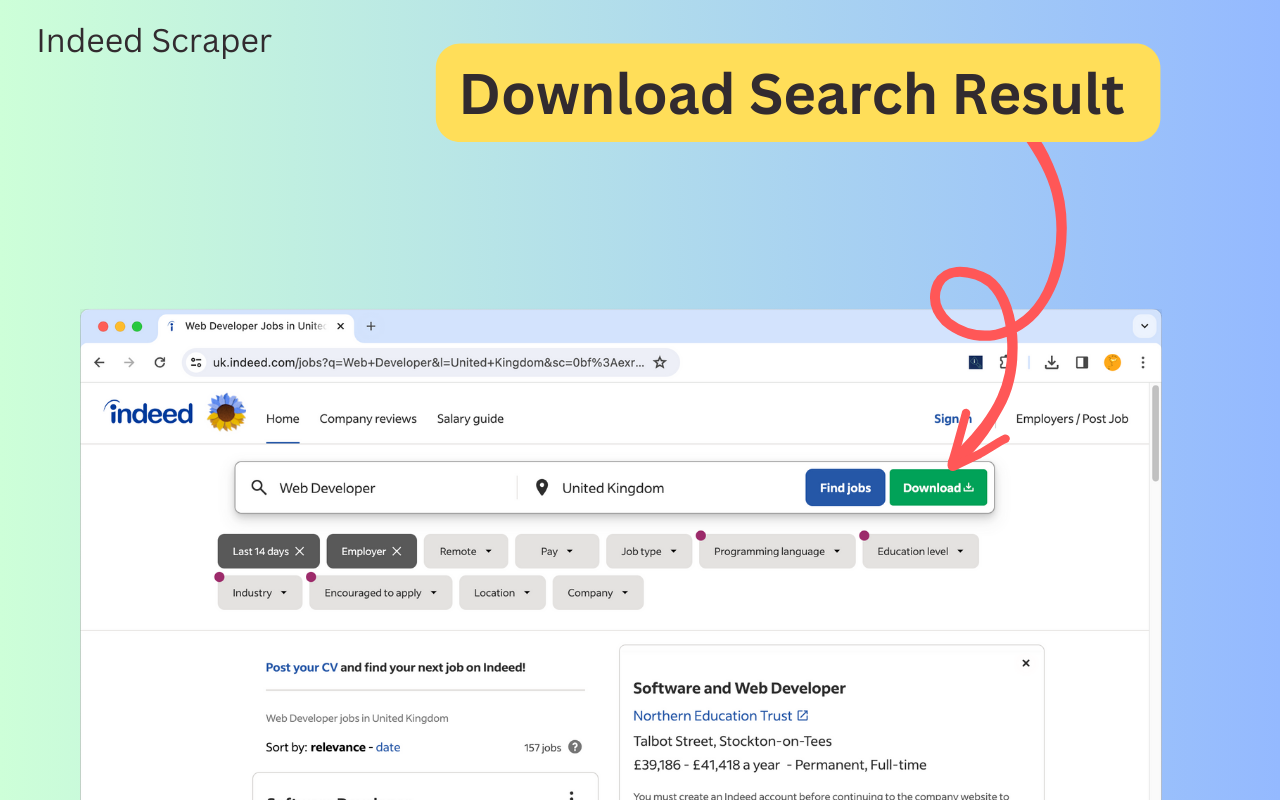
Acquiring Indeed Job Data is an intuitive and non-technical procedure that requires no prior programming knowledge. Follow these steps to commence data extraction:
Navigate to indeed.com and input your search criteria, such as job title, company name, or location.
Click the "Download" button next to the search function, or copy the URL of the search results page, paste it into the extension's input box, and click “EXPORT JOB”.
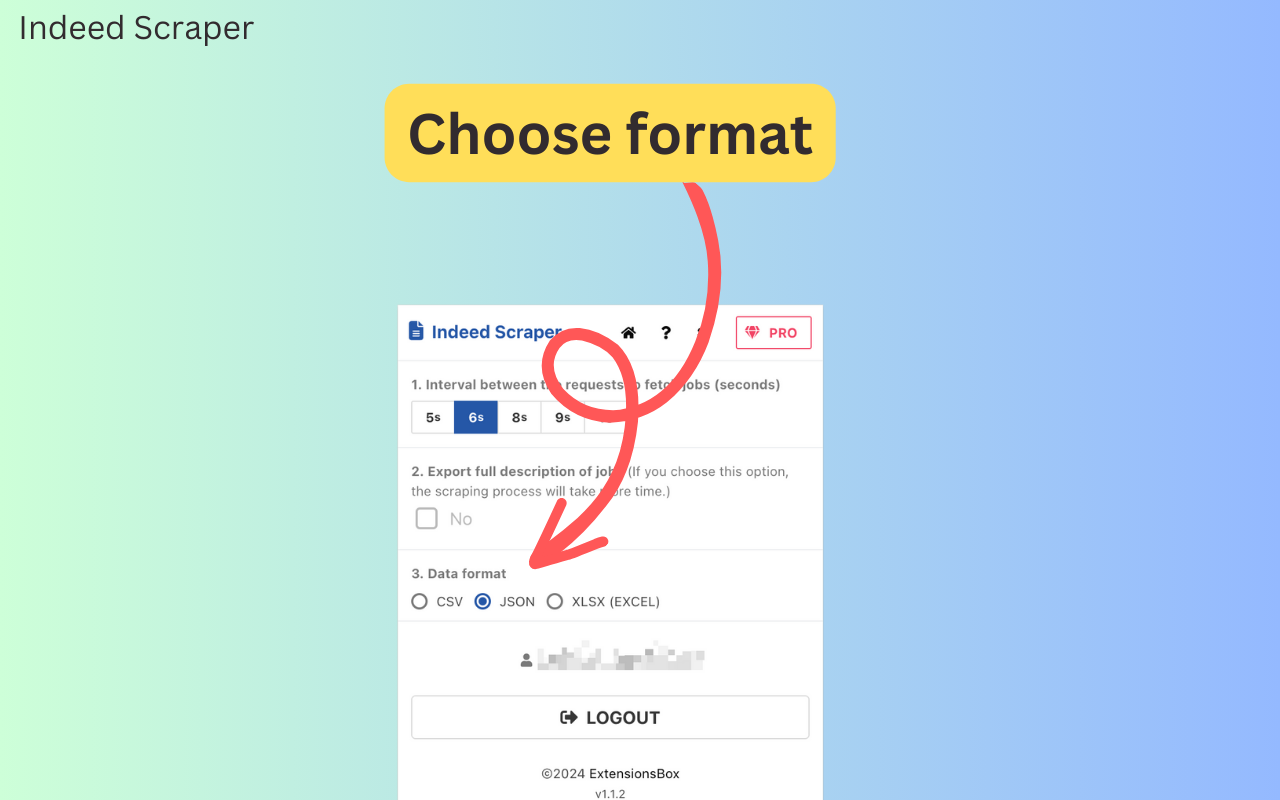
Upon completion or pause of the scraping process, click "Download Jobs" to save the data in your selected format (CSV, JSON, or Excel).
The export file format can be modified on the settings page by clicking the gear icon.
The adoption of Indeed Jobs Scraper delivers several quantifiable advantages:
Eliminates the need for programming skills, as the extension manages all technical processes.
Ensures rapid and efficient receipt of the latest job data.
Allows users to refine search parameters to suit specific analytical requirements.
Eliminates the lengthy process of manual data gathering and complex scraper development.
The tool receives regular updates to maintain compatibility with Indeed’s platform changes.
Indeed Scraper optimizes the data acquisition process. Extraction time is proportional to the data volume requested, but the tool is engineered for swift and efficient performance to mitigate unnecessary delays.
We strictly comply with data security standards. All data extracted remains solely on your local device and is not transmitted through or stored on our servers at any point. This commitment guarantees the confidentiality and compliance of your acquired information.
Indeed Scraper is an indispensable solution for enhancing your organization's job data collection and analytical process. By providing uninterrupted access to actionable market data, this tool enables informed decision-making for both recruitment and strategic planning. We encourage you to implement Indeed Scraper today to reallocate resources from manual data collection to strategic analysis.
For more information about Indeed Scraper and to begin your efficient data acquisition process, visit our website and realize the ease of accessing valuable job market data.
IndeedScraper
IndeedScraper is an extension helps you quickly to export Indeed data to CSV/JSON/XLSX file.
Need Help?
Send us an email at [email protected] if you have any questions. We'll help you out.
©2026 ExtensionsBox. All rights Reserved.